Block websites.
Make it stick.
Jiyuu is a free website blocker for Windows 11 that's actually hard to bypass. It comes with password locks, usage limits, uninstall prevention, and cross-browser enforcement.
Blocks that are hard to undo
Jiyuu runs as a system-level service on Windows 11, so it keeps working even if you try to close it. Block specific URLs, entire domains, or keywords. Pair it with a password, timer, or usage limit so you can't just turn it off when temptation hits.
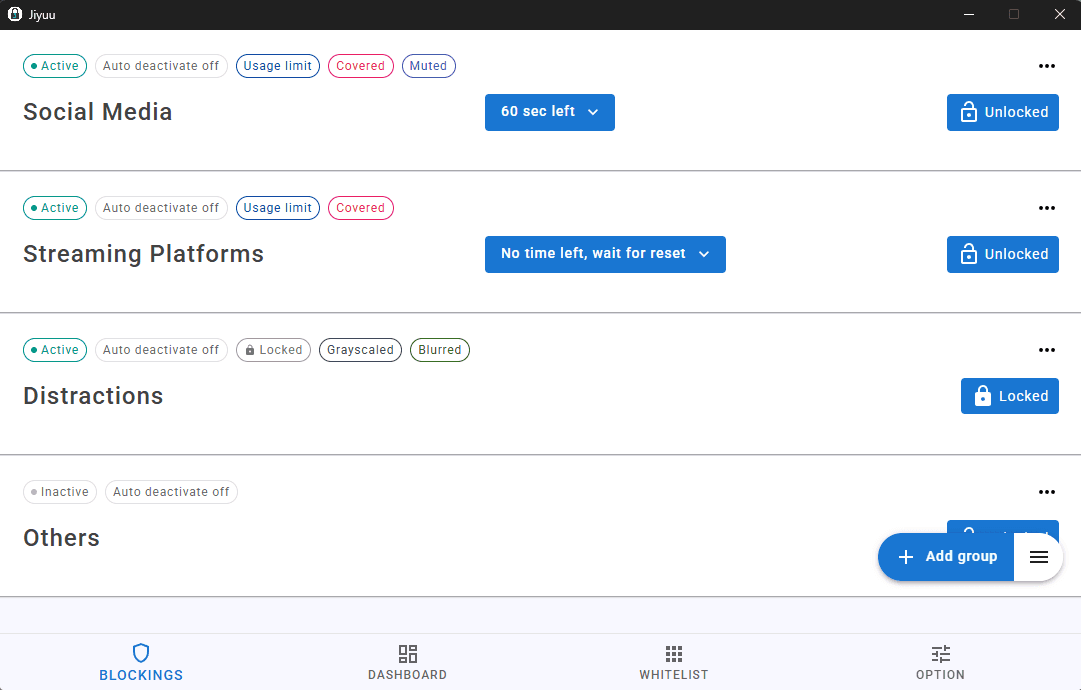
Your blocks, your rules
Choose how blocked sites look and how hard they are to deactivate. Whether you want a gentle nudge or an iron-clad lock, Jiyuu has a mode for it.
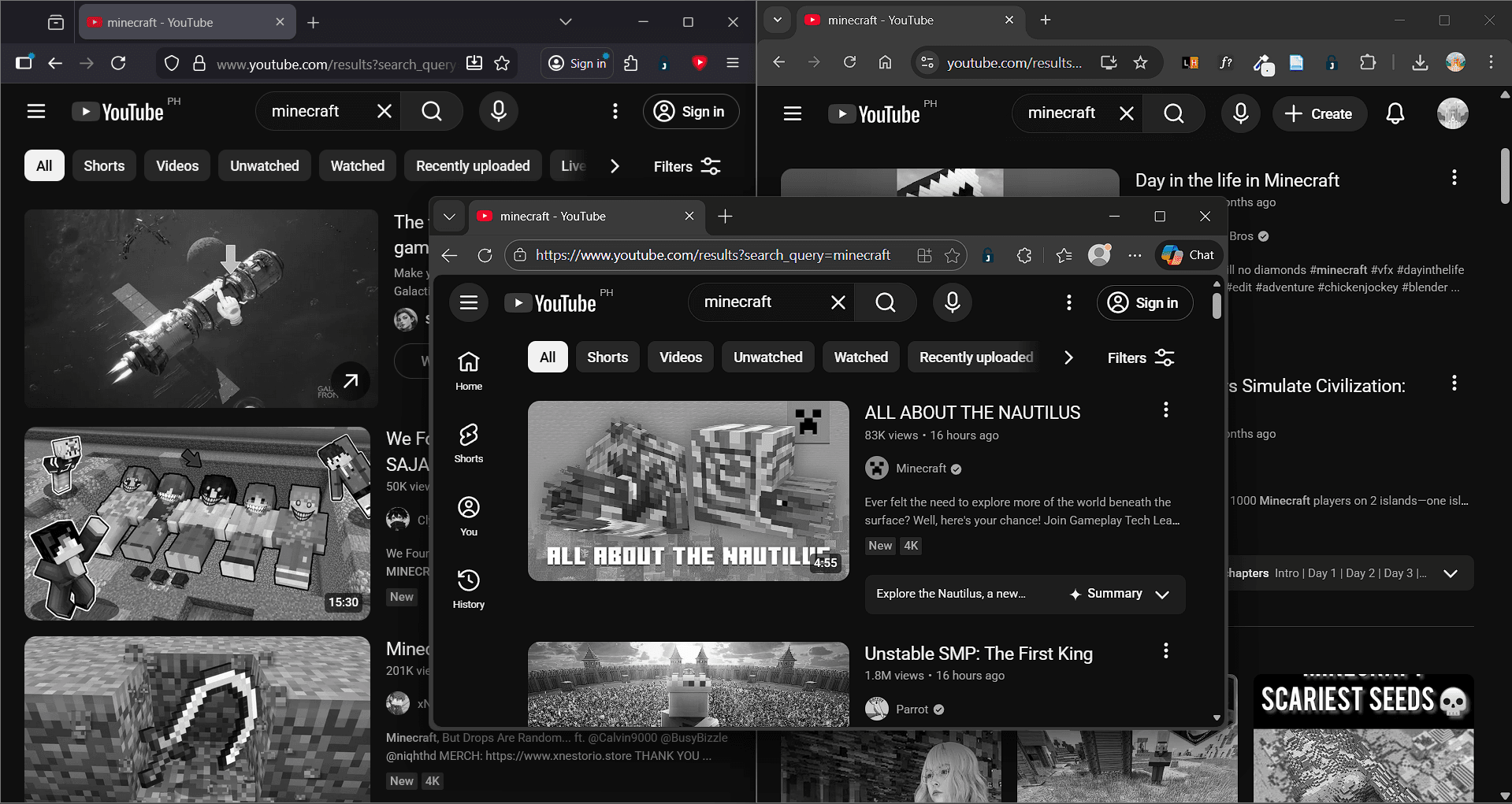
Choose how a block feels
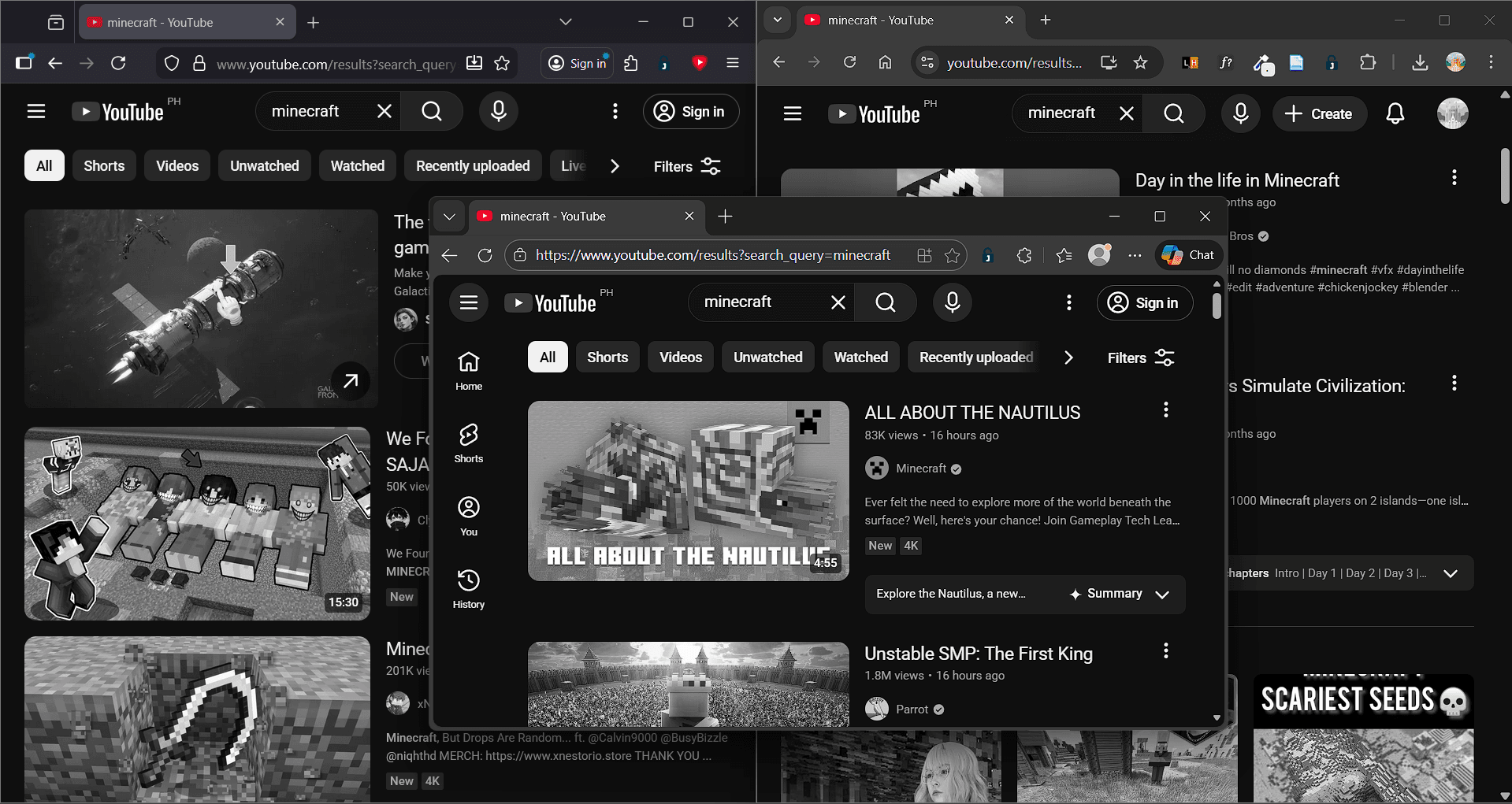
Grayscale drains the dopamine from distracting pages. Blur makes them unreadable. Cover locks the page entirely. Mute kills audio and video. Pick whatever works for you.
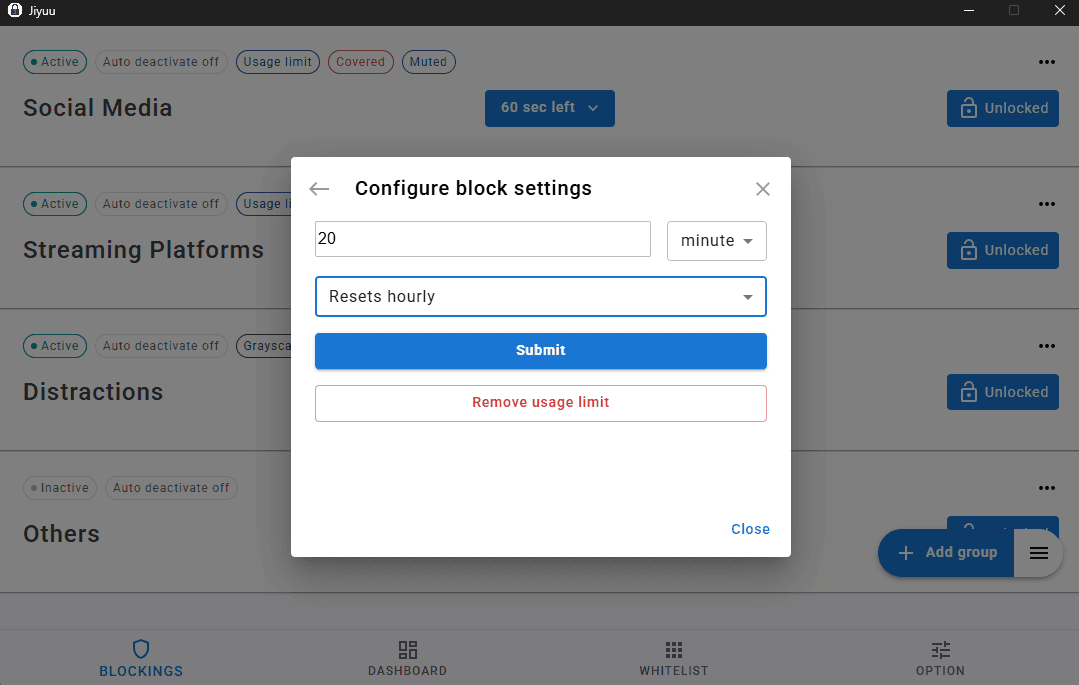
Lock your blocks against yourself
The hardest person to block is yourself. Use password locks, random-text challenges, timers, and usage limits to make sure you can't undo a block on impulse.
Everything else you'd want
Beyond blocking, Jiyuu gives you the tools to actually understand and improve your browsing habits.
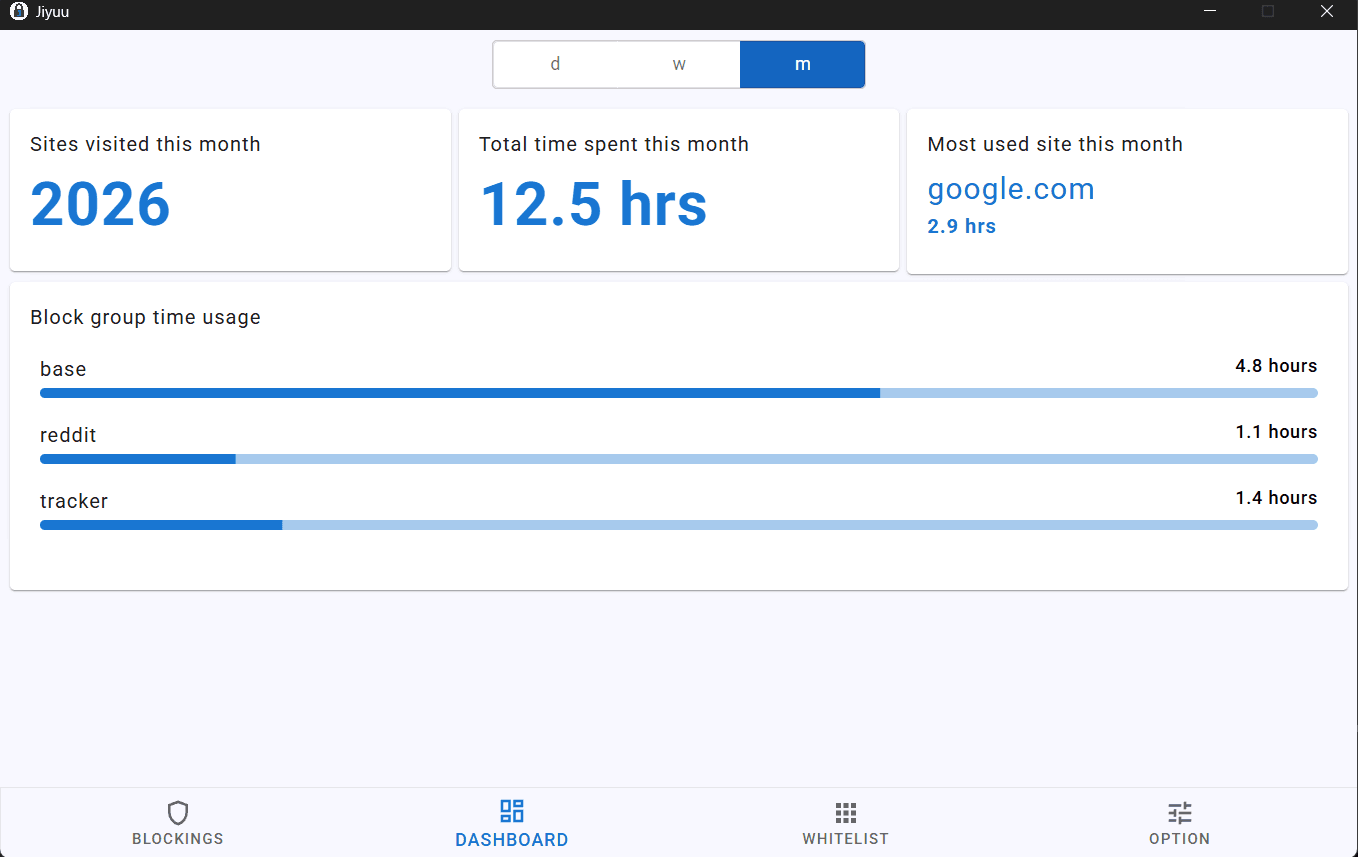
Detailed Analytics
Track your daily screen time across sites, block groups, and active focus sessions.
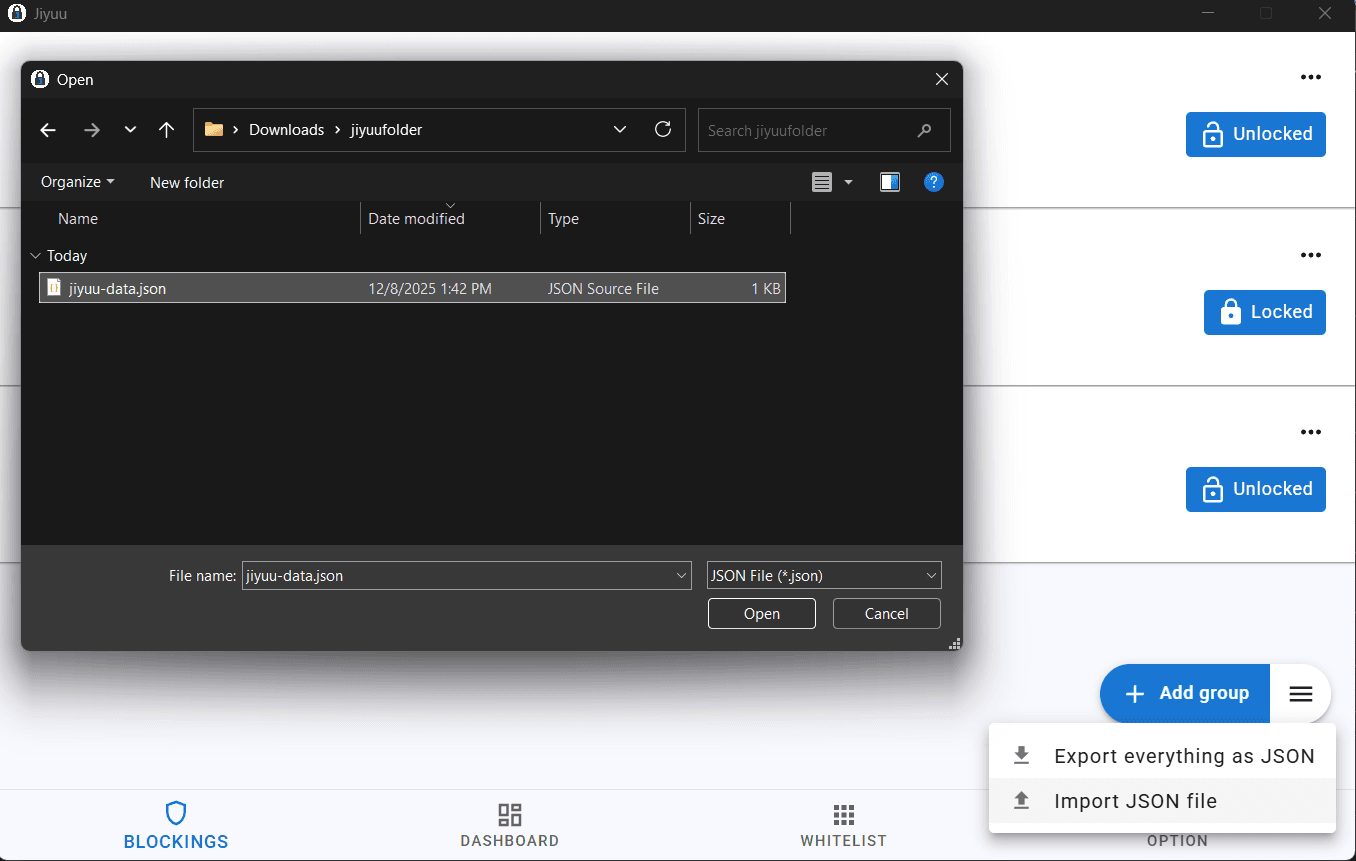
Import & Export Block Lists
Share your block lists or back them up. Import and export as JSON or TXT in seconds.
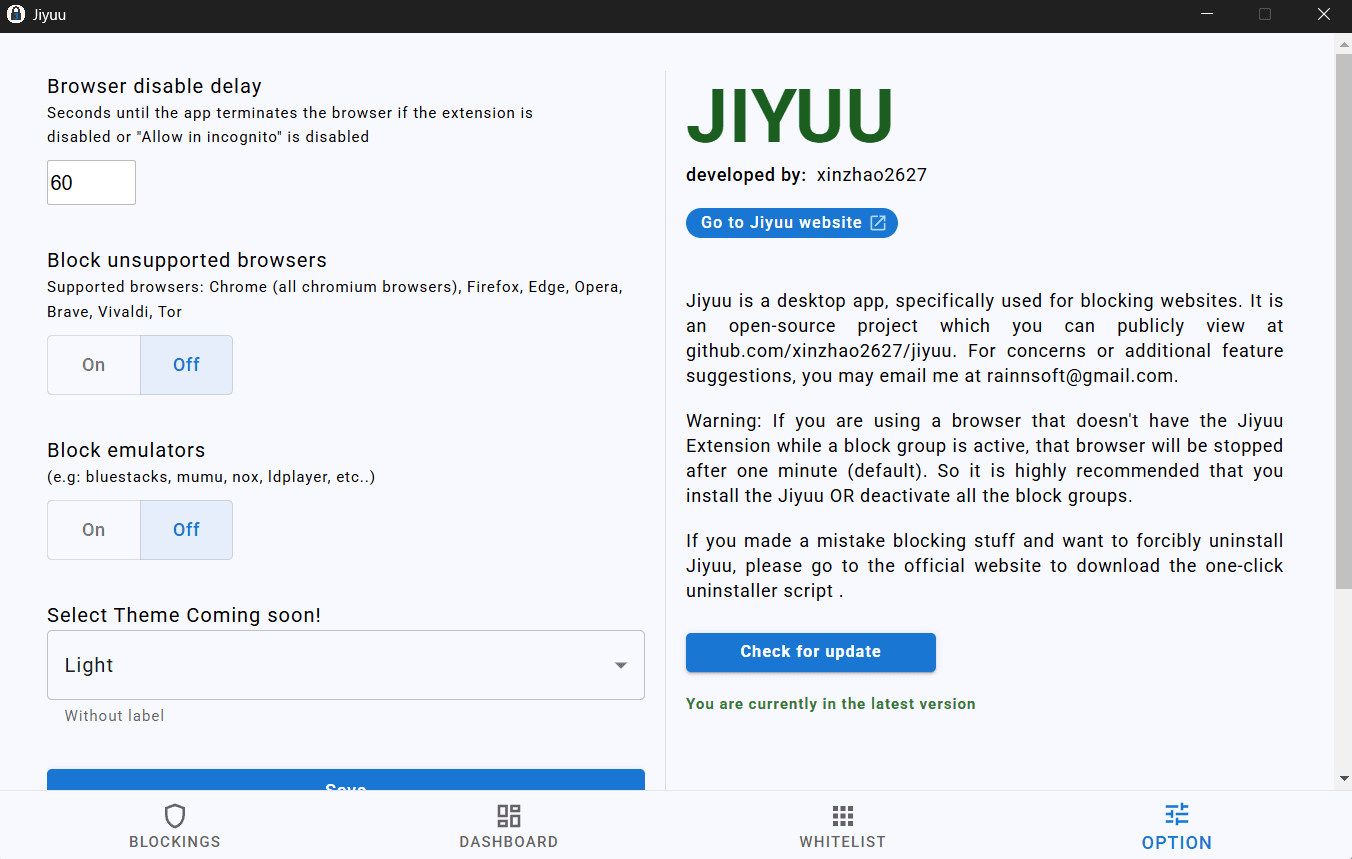
Auto Updates
Always on the latest version. Jiyuu checks for updates automatically and installs them quietly from the options tab.
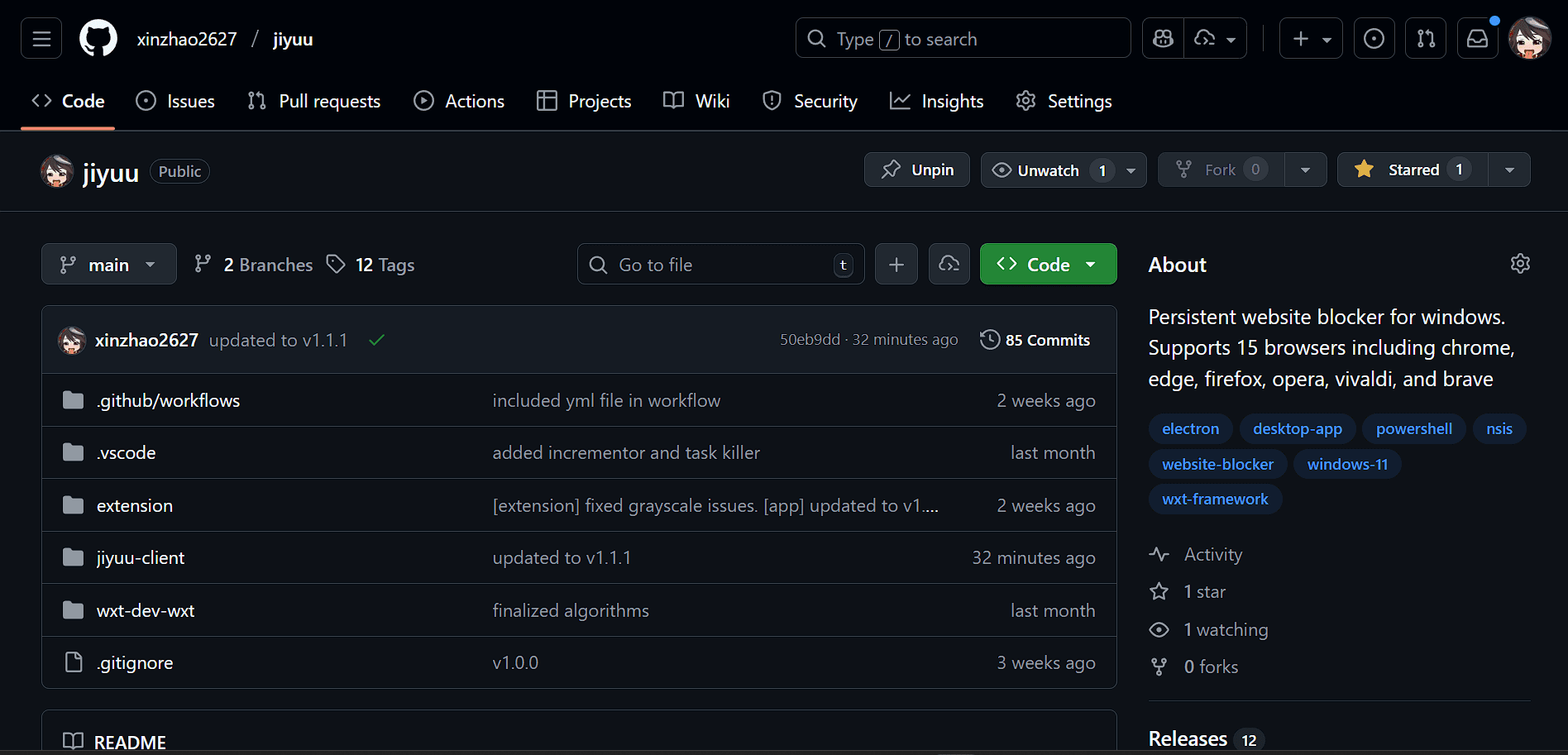
Open-Source
The entire codebase is public on GitHub at xinzhao2627/jiyuu. Feel free to audit, fork, or contribute.
Cross-Browser Support
One desktop app, five browsers. Chrome, Firefox, Edge, Brave, and Opera all sync with Jiyuu simultaneously.
Supported browsers
After installing the extension, enable it in incognito or private mode. Otherwise, blocks won't apply in private windows and Jiyuu will close those browser sessions automatically.
| Browser | Type | Store |
|---|---|---|
| firefox | mozilla_based | Open store |
| brave | chromium_based | Open store |
| Microsoft Edge | chromium_based | Open store |
| opera | chromium_based | Open store |
| opera gx | chromium_based | Open store |
| google chrome | chromium_based | Open store |
Have a bug, suggestion, or question? Reach us at rainnsoft@gmail.com